No installation
Open Dayday on the Web
Create your account and prepare your first routines in your browser.
Start on the Web
 FR
Create my routines
FR
Create my routines
Their routine. Their own pace.
Getting dressed, packing a bag, brushing teeth. With Dayday, your child sees each step, checks it off, and takes a little more ownership of the day.
Create my routinesFree on the Web · Beta on Apple devices
For parents? Tell your AI what goes on the list.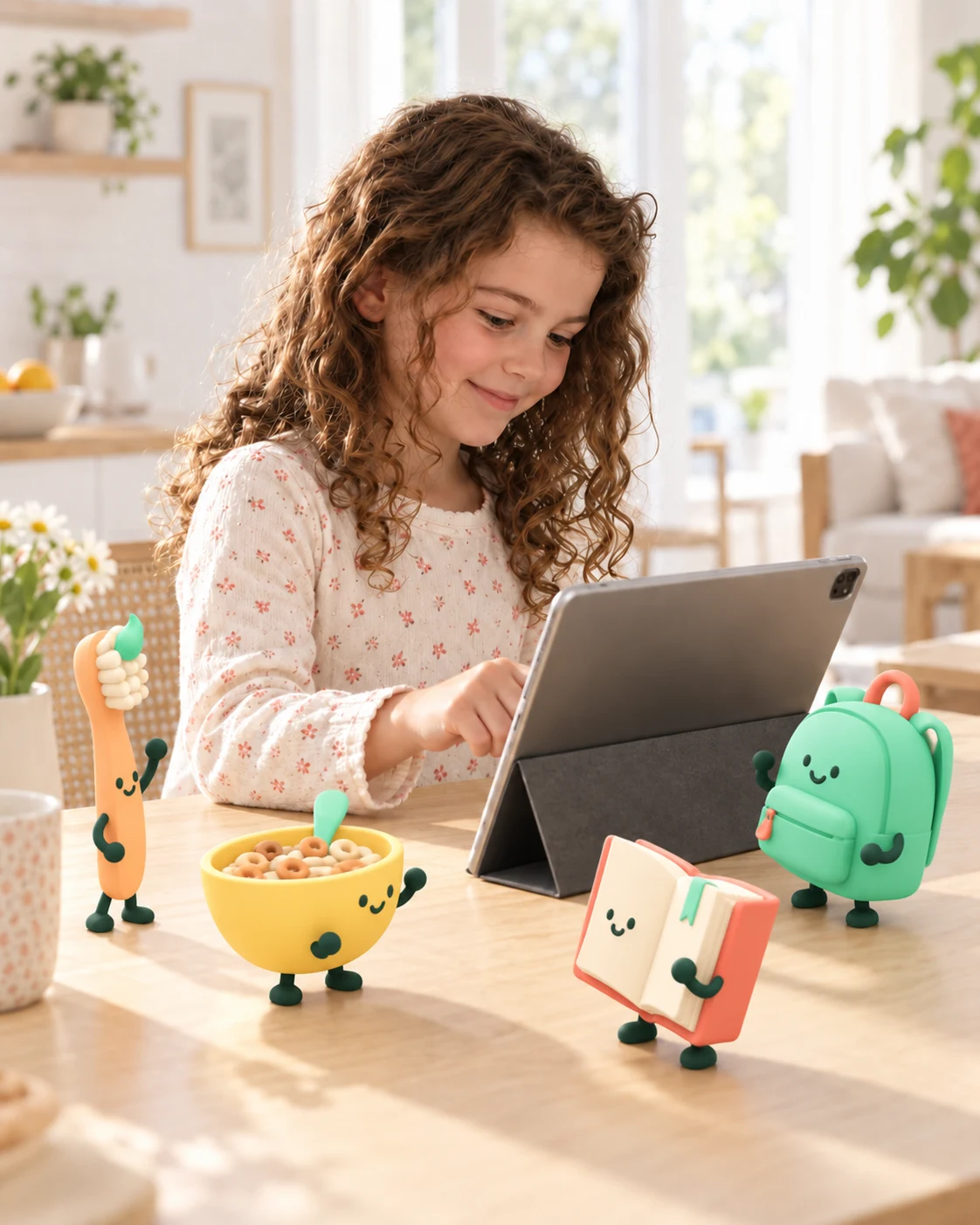
You prepare.
You shape it together.
Your child takes the lead.
Build routines with your child. Then each step stays in sight, so they can see what comes next for themselves.
Made for children first, with the settings parents need.
For children
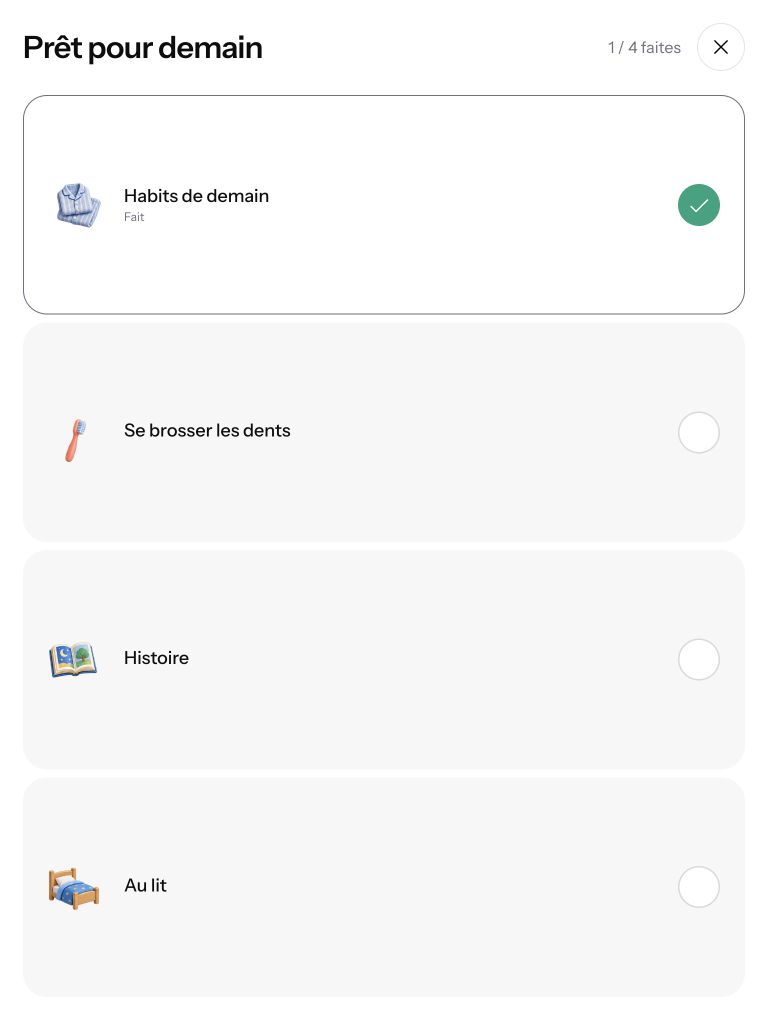
A clear list. Pictures that make sense. And the joy of checking off each step independently.
A list or big icons: each child chooses the view they find easiest to follow.
Checked steps show how far they’ve come. Finishing a routine earns a star.
A simple screen to focus on everyday tasks. Settings stay in the parent area.
For parents · Your AI assistant, connected to Dayday
Tell your MCP-compatible AI assistant about your day. It can create and update routines directly in Dayday.

For example, you could say
“Set up mornings, after school and bedtime for Mia. On Wednesdays, add her swimming bag and move departure to 7 a.m.”
Refine the first draft. Then go through the steps with your child and choose words that make sense to them.
Connect my AI assistantFrom your parent account, authorize access to your household through MCP.
Dictate a first draft, then adjust the steps with your child.
Your child finds their lists, checks off steps and sees their progress.
It’s the connection that lets your AI assistant act in Dayday with your permission. Voice input happens in your assistant, not in Dayday. Connection guides are available in your account. Connector and voice availability depend on the service and plan you use.
You can also create and edit every routine directly in the parent area, without an AI assistant.
Made for your everyday life
Several lists in a day. A Wednesday that looks different from Monday. Keep a shared routine, then adjust only the days that need it.
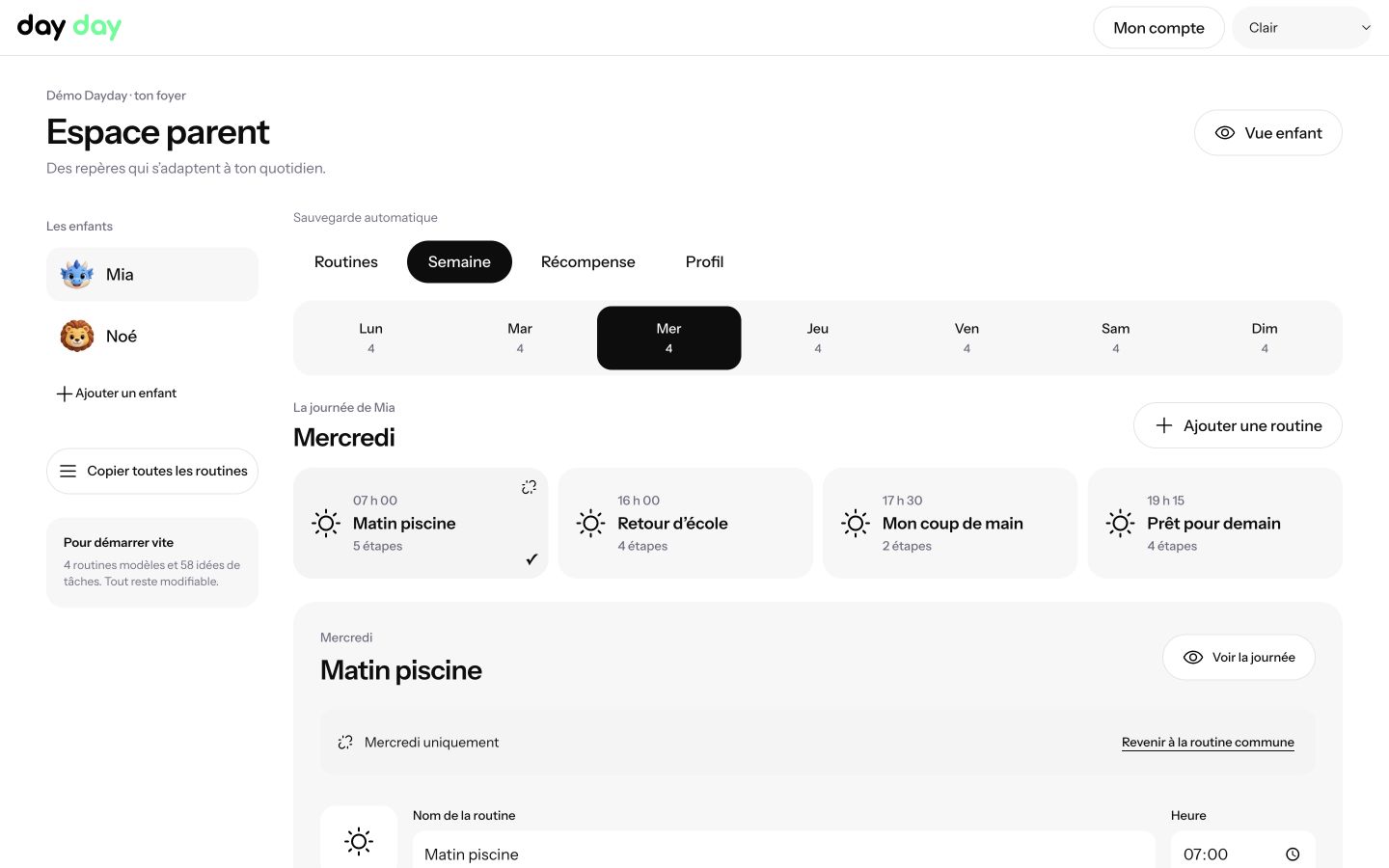
The right daysChoose when each routine appears.
The right stepsAdjust words, pictures and times.
The right profileEach child has their own lists.
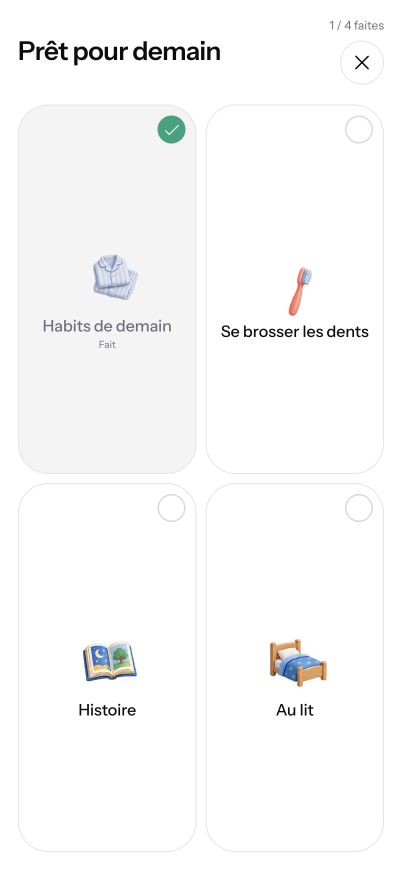
Familiar steps, close at hand
A tablet at home, a phone nearby, or routines on Apple TV. Your household and progress stay in sync across connected devices.
The Web app works without an installation. Apple apps are free to test with TestFlight, subject to beta availability.
Actual Web app screenshot · phone format · French interface shown
How to install DaydayDayday is free
Choose how to open Dayday. Use your parent account to access the same household. The Web app is available in English and French.
No. The account belongs to the adult. Each child gets a profile with their first name, avatar and routines. No child photo is needed.
No. You can set everything up in the parent area. The MCP connection simply lets your AI assistant prepare and update routines from your instructions.
You can use the Web version in Safari. To install the native beta, TestFlight requires iPadOS 16 or later. See the installation page for iPhone and Apple TV requirements.
Yes. Each adult has their own account and joins the same household by invitation. Routines and progress are shared.